Before the First Point Cloud: A Permissions Playbook for Scanning American Landmarks
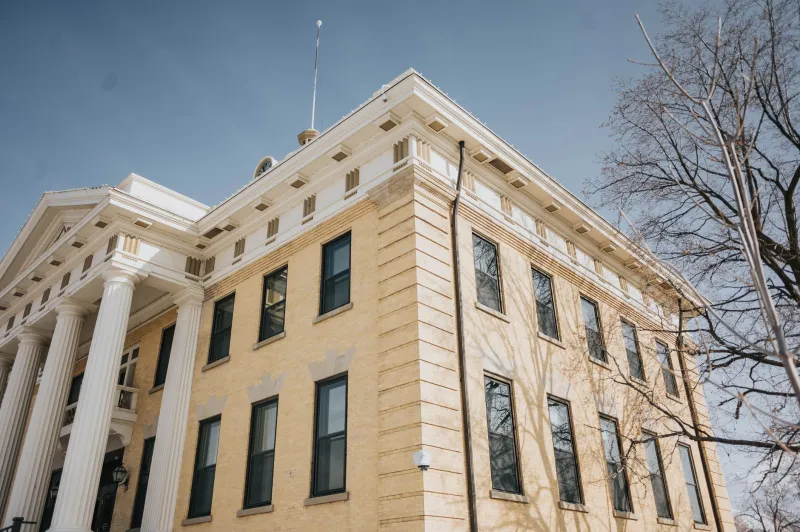
Scanning a historic courthouse or a cast-iron bridge can feel like a small act of rebellion. You show up with a tripod, a scanner, and a coffee, and suddenly you are negotiating with a building. In the US, that negotiation is real. Landmarks come with layered owners, agency rules, and copyright questions that do not show up in your mesh. At 3D Model Club, we love a clean point cloud as much as anyone, but the artists who get the most mileage out of landmark scans are the ones who treat permissions as part of the capture plan. The good news: you can keep the creative momentum and still build a paper trail.
Start With the Use Case, Not the Tripod
Before you scout, write one sentence: what will this scan become? A portfolio turntable? A client deliverable? A paid asset pack? A museum exhibit? The answer changes everything. A private study model for your own learning is a different risk profile from a commercial kit that includes a landmark's facade. In 2026, buyers expect clean rights metadata, and marketplaces are asking sharper questions. If you cannot name the use, you cannot name the permission. Start there.
The Ownership Stack Is Taller Than the Building
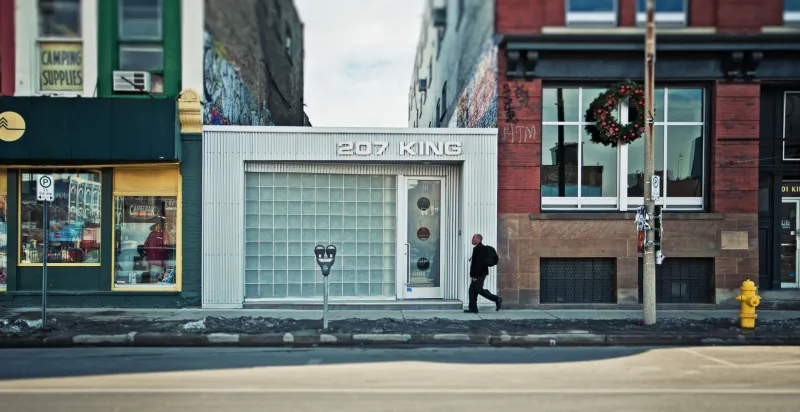
A single Main Street block can involve the building owner, the landlord, the architect, a muralist, a sign company, the city, the state historic preservation office, and maybe the National Park Service. Federal sites have their own commercial filming and photography rules; many parks require permits for commercial activity, and access can be restricted for resource protection. State and local courthouses may have security rules that trump any artistic plan. Bridges can be owned by a city, a county, a state DOT, or a private authority. Map the stack before you map the mesh.
When a Permit Actually Matters
Permits are about access and activity, not just copyright. If you are setting up equipment in a public right-of-way, blocking a sidewalk, flying a drone, using a crew, or scanning inside a government building, assume a permit or written approval may be needed. For National Park Service sites, check the park's commercial filming and still photography page and ask early; rules vary by park and by project. For private property, the owner can simply say no. A permit does not automatically grant copyright rights, and a property release does not replace a government permit. They solve different problems.
What a Property Release Does (and Doesn’t) Do
A property release is a written permission from a property owner or authorized representative. It is not a magic copyright license. It helps prove you had access and permission to capture and use the property, and it can set boundaries: dates, areas, outputs, credit, and whether you can sell the model. For public buildings, a release may be less about copyright and more about access conditions. For private storefronts, it is your best friend. Get it in writing, even if it is a short email with clear terms.
Copyright: Buildings Are Friendly, Murals Are Not
US copyright law has a useful carve-out for architectural works: pictures of buildings visible from public places are generally allowed. But a 3D reconstruction is not always just a picture. If you model interiors, decorative details, or a copyrighted mural, you are in different territory. Sculptures, statues, and murals can carry their own copyrights, and the building exemption does not automatically cover them. Trademarks on signs are another layer. Your safest move is to separate the scan into layers: building shell, public facade, and expressive elements. If a layer is risky, leave it out or get permission.
A Pre-Scan Checklist You Can Run in 20 Minutes
- Write the intended use and audience.
- Identify the landowner, building owner, and agency with jurisdiction.
- Check for permit triggers: crew size, equipment footprint, drones, interior access, commercial use.
- Search the site's filming and photography rules; call the permit office if the page is vague.
- List copyrighted elements: murals, statues, signage, branded storefronts.
- Decide what you will exclude before capture.
- Draft a short permission request with dates, scope, outputs, and credit.
- Save every reply, permit, and release in the project folder.
- Photograph the permit or approval on site if access depends on it.
- Add a rights note to the asset metadata before upload.
Build the Paper Trail Into the Pipeline
The artists who scan landmarks well do not treat paperwork as a separate hobby. They build it into the asset pipeline. Create a rights folder beside your textures and meshes. Name files with the site, date, contact, and permission type. Keep a simple license matrix: asset name, source, owner, permission status, allowed uses, and expiration. When you publish, include a credit line and a plain-language note about what the scan is and is not. If a permission falls through, have a fallback shot list that still gives you portfolio value: skyline context, public facade details, or a non-landmark streetscape.
Keep Momentum Without Skipping Steps
You do not need to kill the creative spark to be careful. Scout with a phone first. Send permission requests while you are still testing angles. Build a green-yellow-red list: green for public facades and clearly permitted sites, yellow for sites with unresolved ownership, red for interiors, murals, and restricted compounds. Then scan the green, document the yellow, and skip the red until you have paperwork. That is not slowing down. That is how you keep a landmark model from becoming a takedown notice.
None of this is legal advice, and local rules change. When a project matters, call the permit office and a lawyer who knows US copyright and property law. But for everyday portfolio work, a little pre-scan discipline goes a long way. The permit office is not your enemy. It is the co-author who keeps the story publishable.